
Introduction
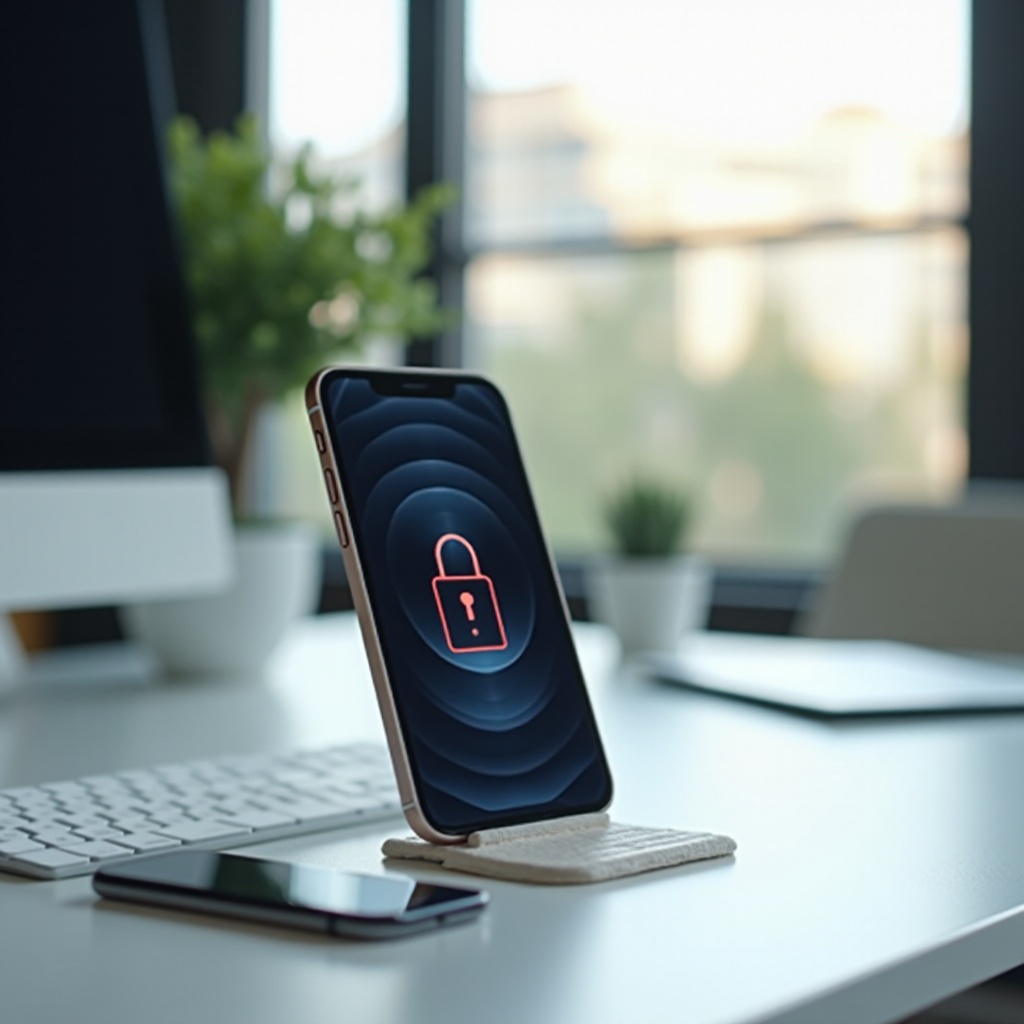
The frustration of dealing with an iPhone locked by iCloud is a common issue impacting many users. This lock can restrict you from accessing your device completely, leaving you unable to use its features. Understanding what the iCloud lock stands for and how to successfully unlock your iPhone can restore your device’s normal functionality effectively.

Understanding iCloud Locking
Apple’s iCloud lock, known as Activation Lock, is a built-in security measure aiming to keep your data safe from unauthorized users. Once this is active, it requires the Apple ID and password to activate the device. This setup efficiently deters theft by rendering the phone useless without proper credentials. However, it can also be a nuisance if you have obtained the phone legitimately but without access to the original account. These situations necessitate a clear-cut approach to solving this lock.
Common Reasons for iCloud Lock
- Lost or Stolen Devices: An activated iCloud lock often indicates the device was reported as lost or stolen. This effectively safeguards the original owner’s data.
- Account and Password Issues: Forgetting your Apple ID or password, especially for devices unused for a while, can also trigger an iCloud lock, complicating your access to your own phone.
Each case presents unique challenges, but understanding the core of these obstacles can guide users toward finding the right resolution method.
Risks and Challenges of a Locked iPhone
Operating with an iCloud-locked iPhone can be severely limiting. The most immediate problem is the inaccessibility of your personal data like photos and contacts. Additionally, attempting to resell a locked iPhone dramatically lowers its market value and could also inadvertently pose legal dilemmas, especially if ownership is disputed. Hence, unlocking your iPhone securely should be prioritized, prompting a look at Apple’s authorized unlocking routes.

Official Methods to Unlock an iCloud Locked iPhone
Regaining access via official pathways is the safest and most legitimate method.
– Contacting the Original Owner: If the iPhone was bought second-hand, contacting the original owner is ideal. They can remove the device from their iCloud account, usually by logging in and managing devices.
– Apple’s Official Unlocking Service: Apple itself provides support for unlocking. You can visit an Apple Store or contact Apple Support, provided you have a valid proof of purchase. Their assistance is invaluable in restoring functionality legally.
While official methods are preferred, certain situations might require considering third-party alternatives, which brings another set of criteria to consider.
Exploring Third-Party Solutions
When official routes are unavailable, third-party unlocking services might seem appealing, but caution is advised.
– Software Tools for iCloud Unlock: Plenty of software claims to bypass iCloud locks. While some users report success, others risk rendering devices useless, highlighting the importance of due diligence.
– Choosing a Reliable Service Provider: Selecting a credible service provider demands extensive research. Look for verifiable reviews and clear contact information to ensure reliability and support.
Navigating these choices means balancing potential gains against inherent risks, and understanding legal implications is crucial.
Legal and Ethical Considerations
Ensuring that unlocking methods align with legal and ethical standards is critical to avoid complications. Employing third-party unlocking can sometimes operate in a gray area concerning Apple’s terms, potentially causing issues if not done with legal ownership. Always verify that your choices adhere to local laws and ethical standards, ensuring peace of mind throughout the unlocking process.
Preventive Measures for Avoiding iCloud Lock
Avoiding iCloud lock from occurring can save future hassle. Here are key preventive steps:
– Tips for Prospective Buyers: Before purchasing a used iPhone, always verify its Activation Lock status. Ensure that the seller has removed the device from their account beforehand.
– Maintaining Account Security: Regularly update your Apple ID password and utilize two-factor authentication for extra security. Always sign out any device before its disposal or sale.
Practicing these tips ensures your device stays accessible and protected, reducing the risk of facing an iCloud lock in the future.
Conclusion
Navigating the challenges of an iCloud locked iPhone can be daunting, but with the right approach, solutions are within reach. Authorized methods are recommended whenever possible, ensuring the procedure remains legal and secure. Whether contacting Apple, reaching out to previous owners, or cautiously researching third-party options, ethical, and mindful action is key. Moreover, safeguarding yourself against future lock-outs by taking preventive steps solidifies your device’s accessibility and security.
Frequently Asked Questions
How can I check if my iPhone is iCloud locked?
To check if an iPhone is iCloud locked, go to the ‘Activation Lock’ settings on the setup screen. If prompted for Apple ID credentials, the device is locked.
Is it legal to use third-party services to unlock an iCloud lock?
Using third-party services may breach Apple’s terms and could be illegal depending on your jurisdiction. It’s essential to research thoroughly and ensure compliance with local laws.
What should I do if I forget my Apple ID password?
Visit the Apple ID account page and use the ‘Forgot Apple ID or password?’ feature. Follow the instructions to reset your password and regain access.