
Introduction
The Nintendo Switch has revolutionized the gaming experience with its unique blend of console and handheld gaming. This guide aims to cover everything you need to know about playing on the Nintendo Switch. From the initial setup and exploring various game modes to optimizing your gaming environment, this comprehensive guide will assist both newcomers and seasoned gamers.
Setting Up Your Nintendo Switch
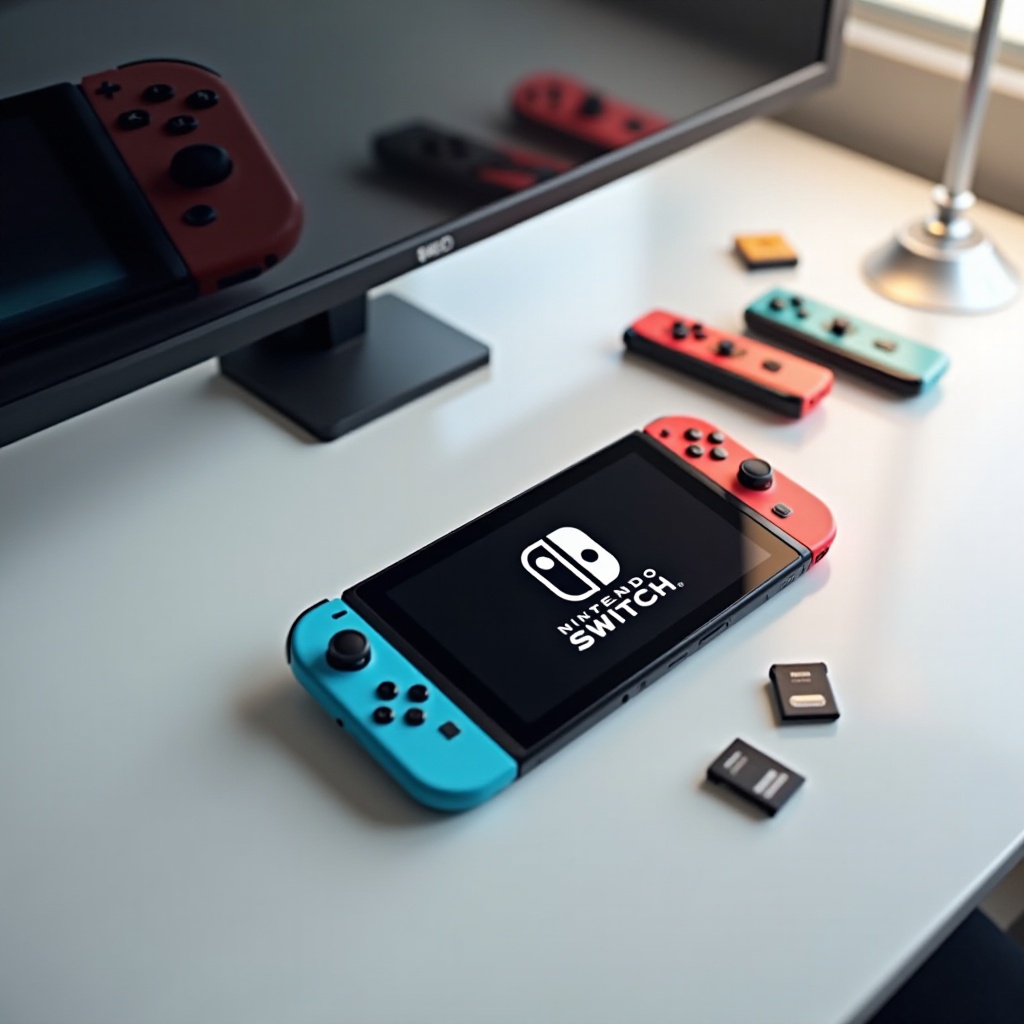
To start your Nintendo Switch journey, you first need to set it up correctly. It’s an easy process that sets the stage for optimal gaming enjoyment.
-
Unboxing Your Console: Begin by opening the box to find the Nintendo Switch console, two Joy-Con controllers, a dock, HDMI and power cables, and wrist straps. Ensure everything is present and in good condition.
-
Connecting to Your TV: For a big-screen experience, connect the dock to your TV with the HDMI cable, and plug in the power cable. Insert the Switch into the dock. You’re all set to experience the splendor of high-resolution gaming.
-
Creating a Nintendo Account: Switch on the device by pressing the power button. Follow the prompts to create a Nintendo account, essential for online play and eShop access. Now, you’re ready to delve into the gaming world.

Understanding the Nintendo Switch Interface
Familiarizing yourself with the Nintendo Switch interface is crucial for a smooth gaming experience. The clear design makes it user-friendly for everyone.
-
Home Screen Features: The home screen is your gateway to games and system features. From here, you can launch games, access system settings, and navigate the eShop.
-
Navigating the eShop: Browse, purchase, and download games from the eShop directly to your Switch. Keep an eye on seasonal discounts and exclusive deals.
-
System Settings Overview: The system settings allow you to customize your gaming experience, from display brightness and audio settings to parental controls. Efficient navigation prepares you for exploring game modes.
Playing in Different Modes
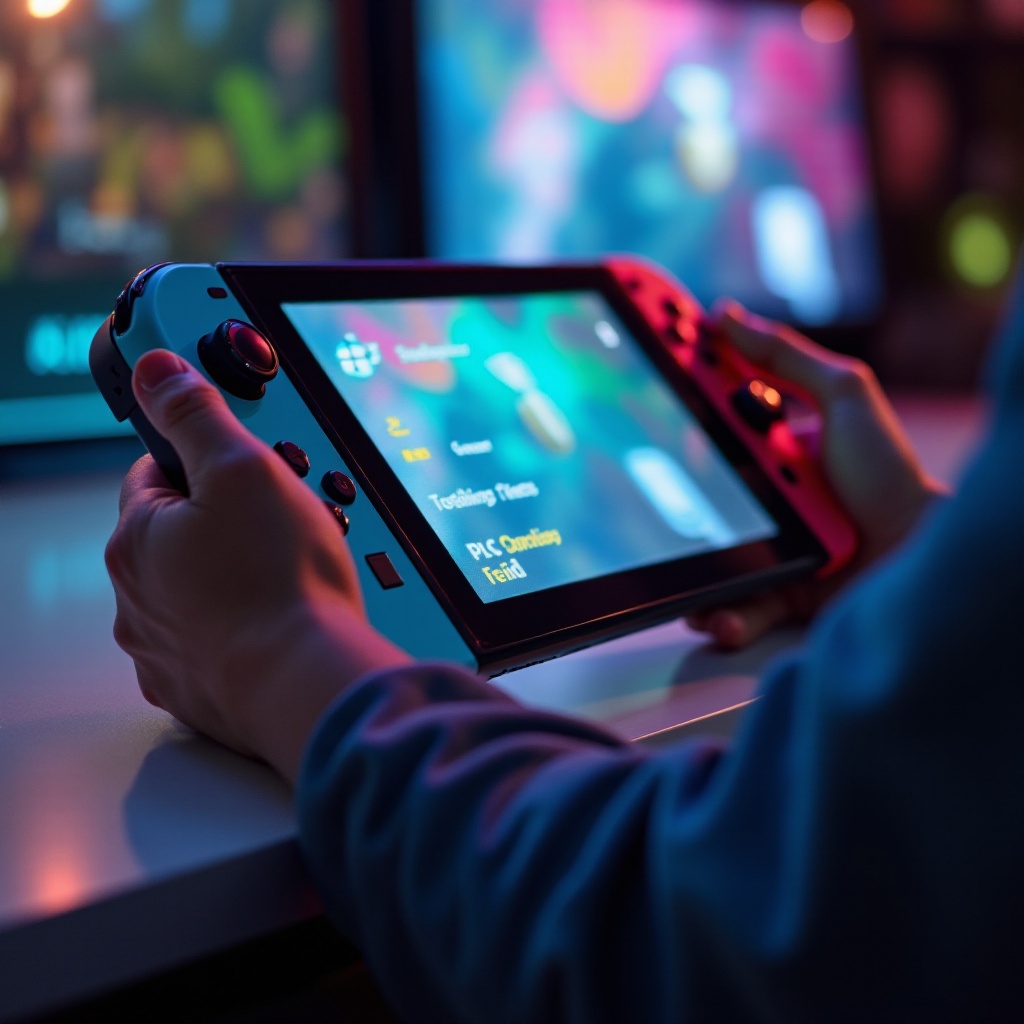
One of the Nintendo Switch’s significant advantages is its flexibility in playing modes, enabling gaming just about anywhere.
-
Handheld Mode: Ideal for players who prefer mobility, attach the Joy-Con controllers to the console, allowing you to play wherever you are.
-
Tabletop Mode: Use this mode to share the screen with others without a TV. Detach the Joy-Con controllers and prop the console using its kickstand.
-
Docked Mode: Docked Mode connects your Switch to the TV, delivering a cinematic gaming experience with crisp graphics on a larger screen.
Experimenting with these modes enriches your adventure and prepares you for the next step: selecting the best games.
Game Selection and Recommendations
Diving into a well-judged choice of games maximizes your Switch experience. Here’s your guide to selecting titles that you’ll enjoy.
-
Top Games to Start With: Consider “The Legend of Zelda: Breath of the Wild” for adventure lovers, “Super Mario Odyssey” for platforming fun, and “Animal Crossing: New Horizons” for a relaxing experience.
-
How to Purchase and Download Games: Access the eShop from your home screen. Browse games by category or search for a specific title, then purchase and download directly to your device.
-
Exploring Different Game Genres: Explore various genres like puzzle, strategy, RPG, and action on the Switch. Expanding your palette ensures never-ending entertainment.
With your gaming library growing, it’s time to enhance your overall gaming environment.
Enhancing Your Gaming Experience
Optimizing accessories and performance tweaks can significantly improve your gaming sessions on the Switch.
-
Joy-Con and Pro Controller Features: While Joy-Con controllers provide versatile gaming options, a Pro Controller offers a more traditional feel with enhanced grip and accuracy.
-
Using Amiibo: These collectible figures unlock exclusive content in compatible games. Simply tap the Amiibo to your controller for surprises.
-
Expanding Storage Options: Invest in a microSD card to store more games. It’s a simple way to ensure space for future downloads and game updates.
Once set up, it’s essential to understand how to engage in online features for a broader gaming experience.
Online Features and Multiplayer
Connecting online is vital to fully unlocking the Switch’s potential, especially for multiplayer and exclusive digital content.
-
Setting Up Nintendo Switch Online: Subscribe through the eShop to access multiplayer features, cloud saves, and a growing list of classic games.
-
Playing Multiplayer Games: Experience the thrill of competition or cooperative play in favorites like “Mario Kart 8 Deluxe” and “Super Smash Bros. Ultimate.”
-
Communication Tools: While native voice chat features are limited, use the Nintendo Switch Online app for voice communication during certain multiplayer sessions.
Understanding online features prepares you for troubleshooting and maintaining your device.
Troubleshooting and Maintenance
Regularly maintaining your console ensures it keeps performing at its best and can solve common issues quickly.
-
Common Connectivity Issues: Restart your console and router if you encounter connectivity problems. Ensure your internet connection is secure and stable, and update your system software regularly.
-
Cleaning and Storage Tips: Keep your console dust-free and store it safely when not in use. Proper maintenance extends the life of your device.
-
Keeping Software Up-To-Date: Regular updates are essential for optimal performance and access to the latest features. Check for updates regularly via the system settings.
With these maintenance tips at hand, you’ll enjoy a smooth gaming journey. Let’s conclude.
Conclusion
The Nintendo Switch offers endless possibilities through its versatile gaming modes, vast game selection, and interactive online features. By following this guide, you’ll maximize your enjoyment and have a seamless gaming experience. The adventure is in your hands; start exploring and have fun playing!
Frequently Asked Questions
How can I connect my Nintendo Switch to the internet?
To connect your Nintendo Switch to the internet, go to System Settings > Internet > Internet Settings. Select your Wi-Fi network and enter the password.
What are the best multiplayer games on Nintendo Switch?
Popular multiplayer games include ‘Mario Kart 8 Deluxe,’ ‘Super Smash Bros. Ultimate,’ and ‘Splatoon 2.’ These titles offer engaging online and local multiplayer experiences.
How do I update my Nintendo Switch?
To update your Nintendo Switch, navigate to System Settings > System > System Update. Follow the prompts to download and install the latest system update.