
Introduction
The mysterious appearance of a purple line on the iPhone screen can be quite alarming. This display issue not only disrupts your phone’s functionality but may also signal deeper problems within the device. Acting promptly to address this issue can prevent further complications, including potential data loss or hardware damage. In this guide, we’ll explore the underlying causes of the purple line, outline effective troubleshooting methods, and share tips on preventing such issues moving forward.
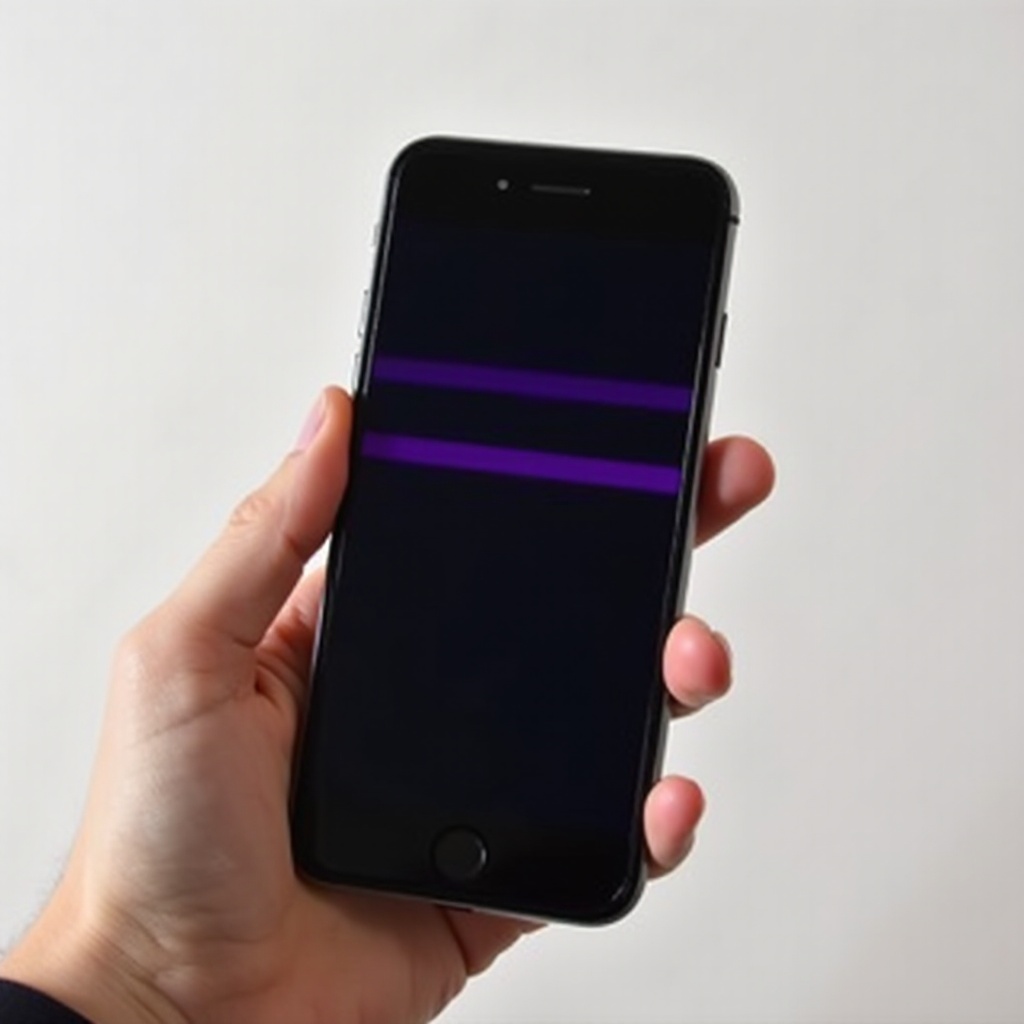
What Causes the Purple Line on an iPhone Screen?
Understanding what leads to the purple line on your iPhone screen is crucial for resolving the issue effectively. Several factors might be to blame.
-
Hardware Malfunctions: Accidental drops or impacts can result in pixel damage, including purple lines. Internal connector issues can also manifest visually as such lines.
-
Software Glitches: Sometimes, software bugs relating to iOS updates or corrupted files can cause these visual disruptions.
-
Environmental Factors: Extreme environmental conditions such as heat, humidity, or pressure can also lead to screen anomalies like purple lines.
Having identified these causes, let’s discuss practical steps you can take to resolve this screen issue.
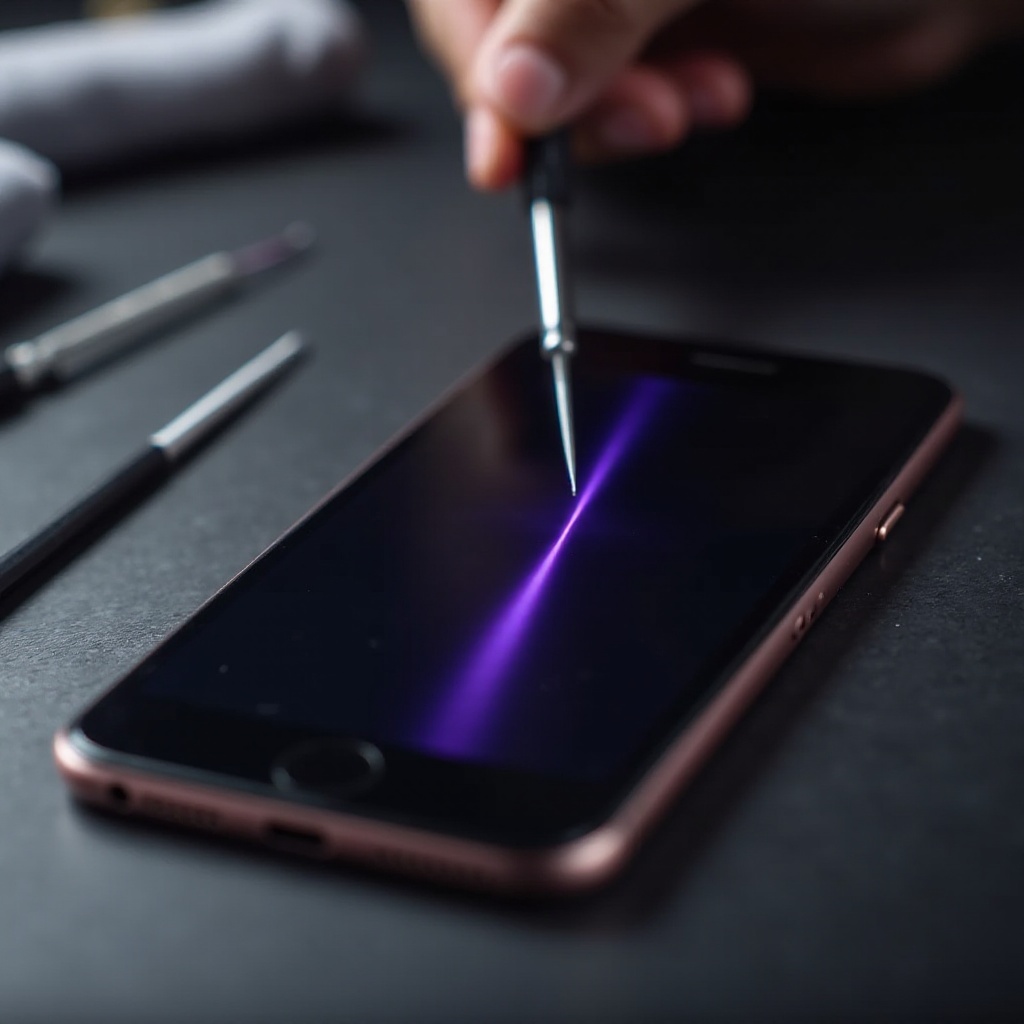
Troubleshooting Methods for Removing the Purple Line
The appearance of a purple line can be concerning, but don’t panic just yet. Start by following these troubleshooting steps to potentially resolve the issue yourself:
- Restarting and Resetting Your iPhone:
- Begin with a simple restart by turning off your iPhone and then turning it back on.
-
If the line persists, a soft reset might help. For most iPhones, press and hold the side button along with the volume down button until the Apple logo appears.
-
Updating iOS Software:
-
Ensure your device is using the latest iOS version. Go to Settings > General > Software Update to check for and apply any new updates, as these can often resolve screen issues caused by software bugs.
-
Restoring via iTunes:
- Connect your iPhone to a computer with iTunes installed. Select your device and choose ‘Restore iPhone’. This action reinstalls iOS, possibly resolving issues caused by software glitches. Remember to back up your data beforehand.
If you’ve tried these steps and the purple line persists, it’s advisable to seek professional help.
When to Seek Professional Help for iPhone Screen Issues
After attempting basic troubleshooting, persistent screen issues may require professional intervention. Here’s what to consider:
-
Identifying Irreparable Damage: Persistent lines, accompanied by flickering or touch issues, might indicate severe hardware damage beyond simple repair.
-
Cost of Repair vs. Replacement: Weigh the costs of repairs against purchasing a new or refurbished iPhone. Sometimes, replacing the device might be more economical if repair costs are prohibitively high.
To prevent a recurrence of this issue, it’s beneficial to consider protective measures for your device.
Preventive Measures to Avoid Future Screen Problems
Preventing future issues with your iPhone screen involves simple but effective steps:
-
Using Protective Gear: Consider investing in a high-quality screen protector and a sturdy case to protect against physical damage.
-
Maintaining Optimal Conditions: Keep your phone away from extreme temperatures and avoid exposing it to conditions that might stress its components.
Implementing these strategies helps prolong the lifespan and functionality of your iPhone.
Conclusion
Addressing the purple line on your iPhone screen involves understanding its causes, trying effective fixes, and knowing when to seek professional help. By following this guide, you can approach this common issue with confidence and clarity, minimizing disruption to your phone’s usage.
Frequently Asked Questions
Can a purple line on my iPhone disappear on its own?
While minor software glitches may resolve after a restart or update, persistent lines usually require intervention.
Is the purple line issue covered under Apple’s warranty?
Warranty coverage depends on the cause. If it’s a hardware defect and within warranty, Apple might cover it. Damage from drops, however, typically isn’t covered.
How much does it typically cost to fix the purple line on an iPhone screen?
Repair costs vary based on the extent of damage and warranty status. Contact Apple Support or a certified repair provider for estimates.